Hand off Claude Code or Codex to the cloud and keep the task moving
Use the Hoplite CLI to create a cloud thread from a local agent session and understand exactly what transfers.
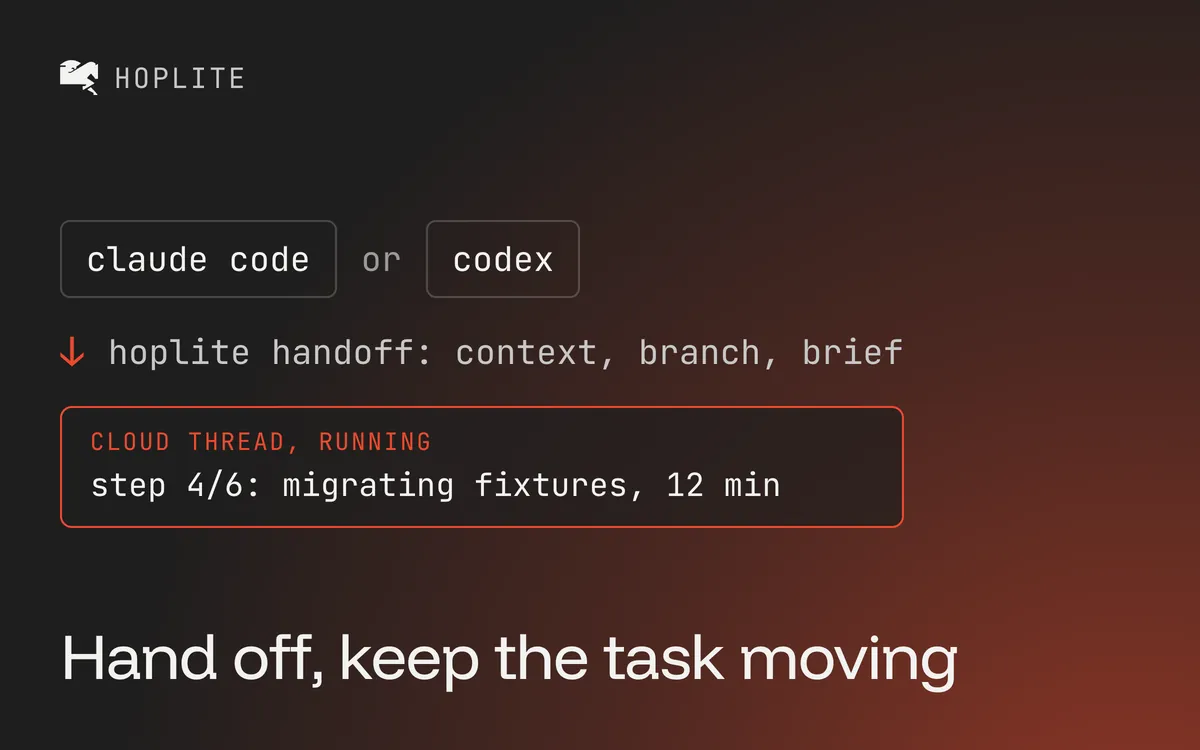
Your local session tracked down the bug after you talked through the cause and the agent made a first pass. The reproduction works, but the test suite needs another hour and you need to leave.
A local coding session is often where a task begins. When the work turns into a longer run, you don't want it tied to your laptop.
Hoplite cloud agents can take over that local session via the CLI. It supports Claude Code, Codex and OpenCode. The handoff copies the user and assistant messages into a new cloud thread, so know what moves and what stays local before you run the command. The new run uses the cloud agent in your Hoplite workspace. It does not move the local process, and it does not guarantee the same model, runtime, or subscription billing.
Install and authenticate
On macOS or Linux, the documented native installation is:
curl -fsSL https://hoplite.sh/install.sh | sh
$HOME/.local/bin/hoplite onboard
The installer places the binary in ~/.local/bin and doesn't modify your shell configuration. Use the full path until that directory is on your PATH. The examples below assume you added it.
The CLI authenticates with a workspace API key. Create one under Settings → Workspace → API keys. During onboarding, review the local history selected for import. MCP credential import is a separate opt-in step.
Run handoff from the right checkout
Open the repository where the local agent has been working:
hoplite handoffThe handoff documentation says Hoplite selects the most recently active supported session for that repository, uploads its user and assistant conversation as an attachment, and starts a cloud thread on the current branch.
That choice matters when you have several checkouts open. Confirm your current directory and branch first. If the current checkout points at the wrong repo, you can pass --repo org/repo and --branch feature/name explicitly.
Give the cloud agent a bounded next step. "Finish everything" forces it to guess your priorities. "Reproduce the failing pagination test, fix the boundary calculation and open a draft PR" gives it something you can review.
Publish the files the cloud needs
The cloud workspace only has files available from GitHub. Local uncommitted changes and unpushed commits won't appear there automatically. Without --autopush, the CLI warns when uncommitted changes or unpushed commits will be missing in the cloud.
Review, commit and push the intended changes yourself, then run handoff. Or opt in to have the command commit all local changes and push the branch:
hoplite handoff --autopush --prompt "Reproduce the failing pagination test, fix the boundary calculation, and open a draft PR."Inspect the working tree before using --autopush. "All local changes" can include work unrelated to the task. Don't use it to skip deciding which files belong in the handoff.
Ignored files and running processes don't transfer. Add secrets under Settings → Project → Environment. Keep your dependency install reproducible so the cloud can reinstall from scratch. Tool outputs and hidden reasoning stay local. Copy any important error or test result that appears only in a tool response into your prompt.
Check the first cloud run
Open the new thread and confirm the repository, branch and next action. Ask the agent to report the current commit and inspect the expected files before changing them. The sandbox clones the repository on the target branch and runs the setup script from .hoplite/settings.json. It does not inherit a server already running on your Mac.
Start with a task whose result is easy to inspect, such as one failing test or a small UI correction. Review the test output and diff before accepting the PR. For a detailed checklist before and after the move, use the active-task migration checklist.