Keep your Claude Code task moving after you close your laptop
Move the task into a cloud execution environment before your laptop sleeps, with a clear handoff and review plan.
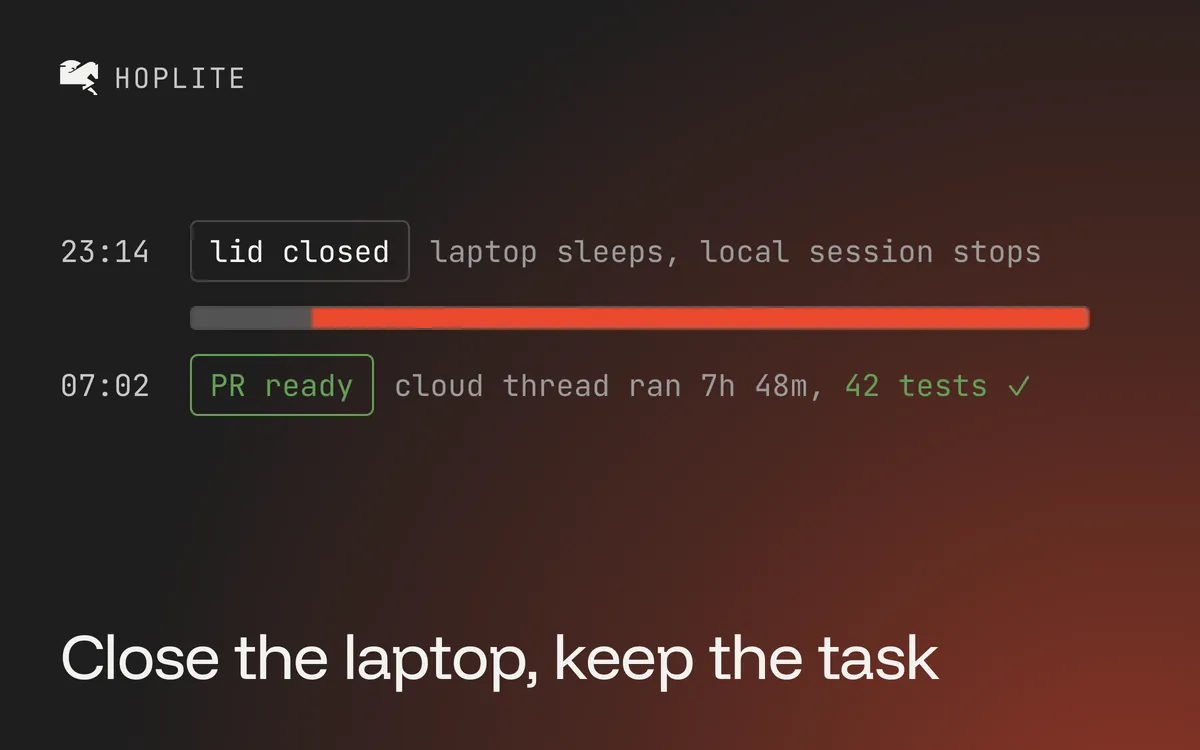
You ask Claude Code to fix a bug, watch it start a long test run and close your laptop on the way out. When you open it again, the task has barely moved.
A hosted model can write the agent replies while commands still run on your laptop. If that machine sleeps, its terminal, tests and dev server stop. Sending prompts over the internet does not move those processes elsewhere.
The reliable way to detach a task from your laptop is to run it on another machine. With Hoplite cloud agents you can move the conversation and continue the work in a cloud thread.
Check where commands are executing
Before changing settings, find out which machine runs the repository tools. A terminal on your Mac usually means local execution. An SSH terminal may control a remote machine. A browser window can mean either.
The interface alone does not tell you what survives sleep. Check the working directory and the execution environment. Remote control of a local session still depends on the local computer. A process manager on a remote server keeps running after you disconnect. The same setup on a sleeping laptop stops.
Keeping a Mac awake helps during a short attended run. The work still depends on its power, network and resources. For a task you want to leave behind, prepare a remote environment.
Move the task before closing the lid
After installing and authenticating the Hoplite CLI, run hoplite handoff from the repository with the active session. The handoff command picks the most recently active Claude Code, Codex or OpenCode session for that repository. It creates a live Hoplite thread on the current branch.
That starts a Hoplite cloud agent with the transferred conversation. It is a new run, not the same local Claude Code process. Model setting and subscription do not carry over unchanged.
Review and push the task files first. The cloud only sees files available from GitHub. The default handoff leaves behind unpushed commits, uncommitted changes, ignored files and running processes. Tool output and hidden reasoning stay local too. Use hoplite handoff --autopush if you want the command to commit and push the branch first.
If you are halfway through a test investigation, write the important findings in a short message before handing off:
The CSV export splits a company name containing a comma into two columns. The current branch includes the failing regression test. Run that test first, fix escaping, then run the export suite. Open a draft PR and report any failures you can't explain. Do not merge.
That example gives the new run a clear starting point and stopping point.
Make the cloud environment independent
A repo that only starts because you have a database running in another terminal still needs setup. List dependencies, dev services and test credentials before you leave the task alone.
Hoplite's sandbox scripts hold the setup and run commands in .hoplite/settings.json. They must run without prompts in a fresh environment. Keep secrets in the project environment settings and use test data fit for the task.
Open the cloud thread while your laptop is still at hand. Check that the expected commit is there, setup finishes, and the first relevant test command starts. If the test stops with a database connection error, fix that while you can still compare with the original environment.
Allow for pauses and recovery
Cloud execution removes the laptop dependency. It still stops for other reasons. Hoplite pauses for approval or input, stops on a failed command, or needs a decision outside the task scope. Clear the known prerequisites before you leave. Expect to review anything that stays blocked.
Push important work at checkpoints. Hoplite restores workspaces after archive, but recovery from a dead runtime returns to its last retained snapshot. Changes after that point can get lost. An unattended session can still stop.
Try one bounded task first. Check that the cloud thread started, close your laptop, and read the diff and test evidence when you return. The useful outcome is a reviewable patch waiting for you, with open questions written down.